The Situation You're Already In
You need a spokesperson for your product demo. Maybe it's a course walkthrough, a client presentation, or onboarding videos that change quarterly. Recording yourself means lighting setup, multiple takes, and coordinating schedules every time you need an update. Hiring talent means budgets and contracts. The video sits unmade while you handle everything else that keeps the business moving.
What It Actually Is
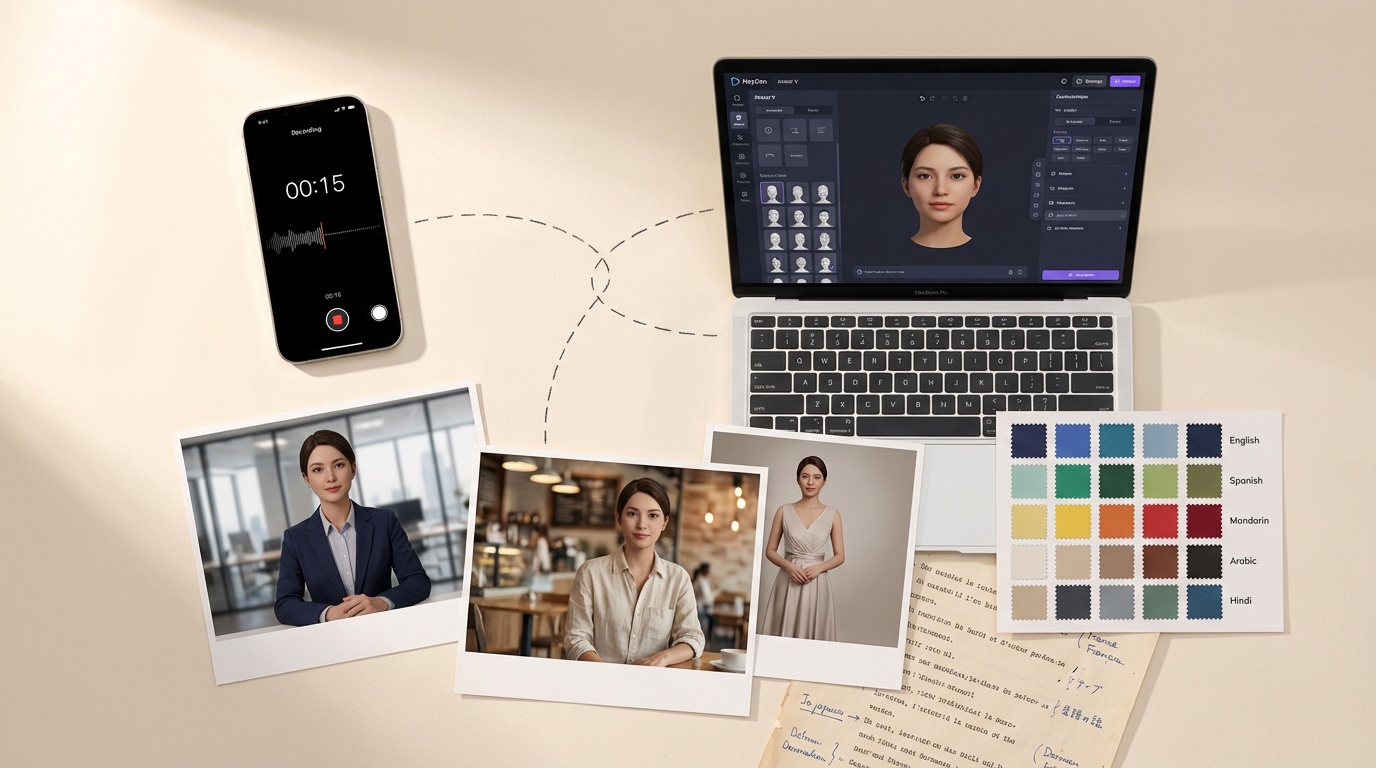
HeyGen released Avatar V on April 8th. Record 15 seconds of yourself speaking and it generates a digital avatar that can deliver any script you write. The avatar maintains consistent identity across multiple camera angles and can appear in different outfits or settings without additional recording sessions. It works in 175+ languages and handles long-form content without the visual degradation that plagued earlier avatar tools. The system is live and publicly available now.
Who Should Care
Course creators and consultants who produce regular educational content will find the multi-look capability useful. One recording session, then generate videos in business attire for client presentations and casual wear for social content. Small agencies managing multiple client accounts can create distinct spokesperson avatars for each brand without booking studio time. SaaS companies building onboarding sequences can update scripts seasonally while maintaining visual consistency across their product education library.
The Pattern Worth Noticing
The 15-second threshold matters more than the technical specs. Previous avatar tools demanded structured recording sessions with specific lighting and multiple angles. This reduction in input requirements signals avatar generation moving from production tool to content tool. When avatar creation becomes as simple as screen recording, it stops being a special project and becomes standard workflow. The multi-look generation compounds this shift.
What to Actually Do This Week
Test it with throwaway content first. Record something inconsequential and see how the output handles your specific speaking patterns and visual requirements. If you're already producing regular video content, map out where avatar content could replace live recording. Skip it entirely if your current video workflow already works efficiently.